
Operational notes
- When Shopify filters start behaving differently, the cause is often category structure and category metafield configuration, not the theme alone.
- Category metafields are now a better filtering path for many standard product attributes than maintaining duplicate custom options.
- If swatches or filter values do not appear, check theme support, storefront access, and supported metafield types before assuming indexing failed.
- A good cleanup usually removes duplicate filters instead of adding even more of them.
One of the more confusing Shopify changes for merchandising teams is that filters can feel “wrong” even when the storefront itself technically works.
What usually changed is not just the theme. It is the product data model behind the filters.
As Shopify keeps improving product categories, standardized attributes, and category metafields, merchants who built their own duplicate options years ago are hitting a transition point:
- old filters still exist
- new category-based filters are available
- swatches or values appear inconsistently
- collections look cluttered or contradictory
This is fixable, but only if you clean up the data model.
Why this is happening
Shopify Search & Discovery now works more closely with structured product data. When you assign a category, Shopify can generate more standard product attributes and category-aware filtering opportunities.
That is powerful because it gives merchants better consistency. It also exposes every old workaround the catalog accumulated over time.
A classic example:
- older store setup: custom option called
color_family - newer Shopify setup: category attribute or category metafield for color
Now the storefront can end up with duplicate or confusing filter options because both systems still exist.
What category metafields change
Category metafields are useful because they let you attach structured values that map more cleanly to product discovery.
For a lot of merchants, the right move is:
- keep the category assignment clean
- use category metafields for structured product data
- remove old duplicate filters that were only filling the gap before Shopify improved the model
That reduces both storefront clutter and catalog maintenance.
What to check when filters look wrong
1. Check whether the filter is pulling from the right source
Ask:
- Is this filter based on a product option?
- A product metafield?
- A category metafield?
- A standard Shopify attribute?
If the team cannot answer that, the storefront is already harder to govern than it should be.
2. Remove duplicate filters
If you now have a clean category-driven filter, the older custom version often needs to be retired.
Leaving both in place creates more confusion than value.
3. Verify supported types and storefront access
Not every metafield behaves the same way. If a filter or swatch is missing, verify that:
- the metafield type is supported for storefront filtering
- the definition has storefront access where required
- the theme supports the needed filter presentation
4. Check theme support for swatches
If color swatches or visual filter values are not showing, the issue might be theme support rather than the underlying product data.
This matters a lot because teams often keep editing data that is already correct while the real problem lives in the storefront implementation.
5. Give indexing enough time, then force a light refresh
If you recently changed product categories or metafield values, the storefront can take time to reflect it. Shopify documentation notes that filtering changes can take time to update.
If the wait has already happened, make a small product update and re-check whether the filter values refresh as expected.
The cleanup workflow we recommend
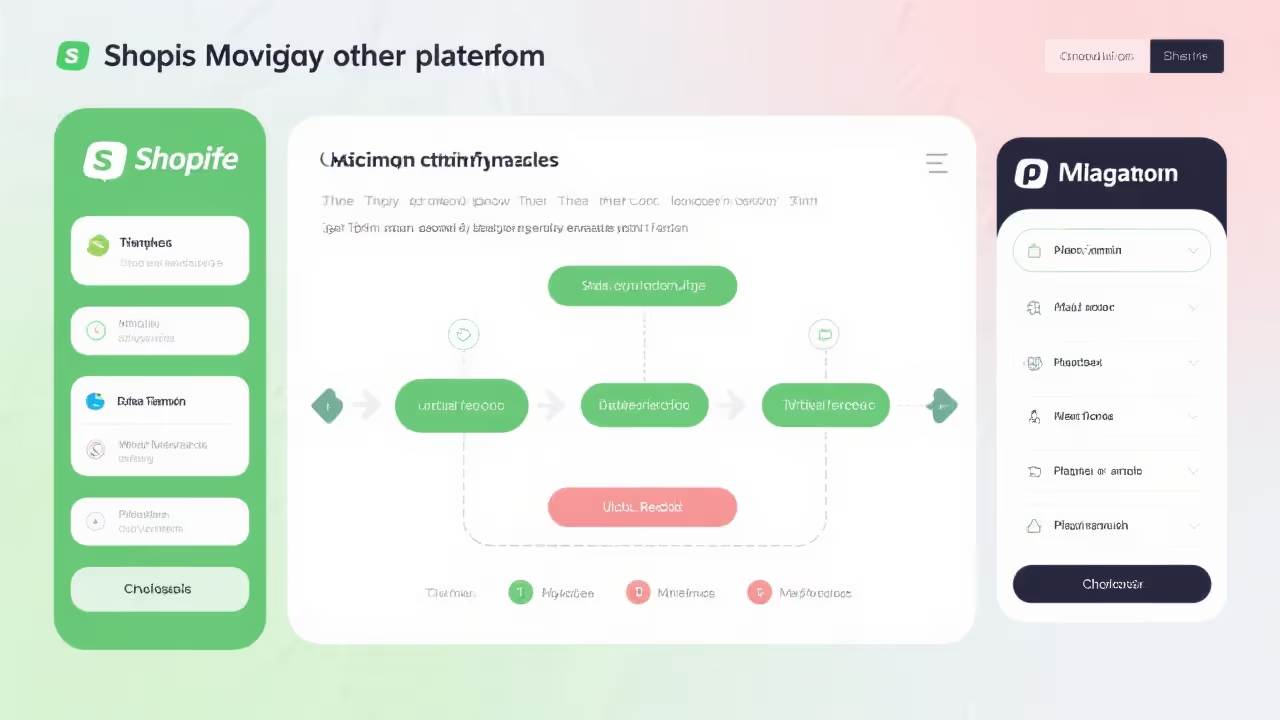
Phase 1: map all live filters
List every active storefront filter and record its source.
Phase 2: identify duplicates
Find filters that represent the same concept in multiple ways, especially custom options competing with category-based fields.
Phase 3: standardize the data source
Pick one source of truth for each important attribute:
- color
- size
- material
- style
- compatibility
Phase 4: retest visual merchandising
After cleanup, review collection pages, search results, and filter interactions on mobile and desktop.
The bigger lesson
Filter problems are rarely just UI problems. They are catalog-structure problems showing up in the UI.
When Shopify improves its product model, merchants should take the hint and simplify the old workarounds instead of layering new ones on top.
That is how you make Search & Discovery more useful instead of more confusing.